Save Now, Pay Later.
With flexible payments from handypay.


Save Now, Pay Later.
With flexible payments from handypay.
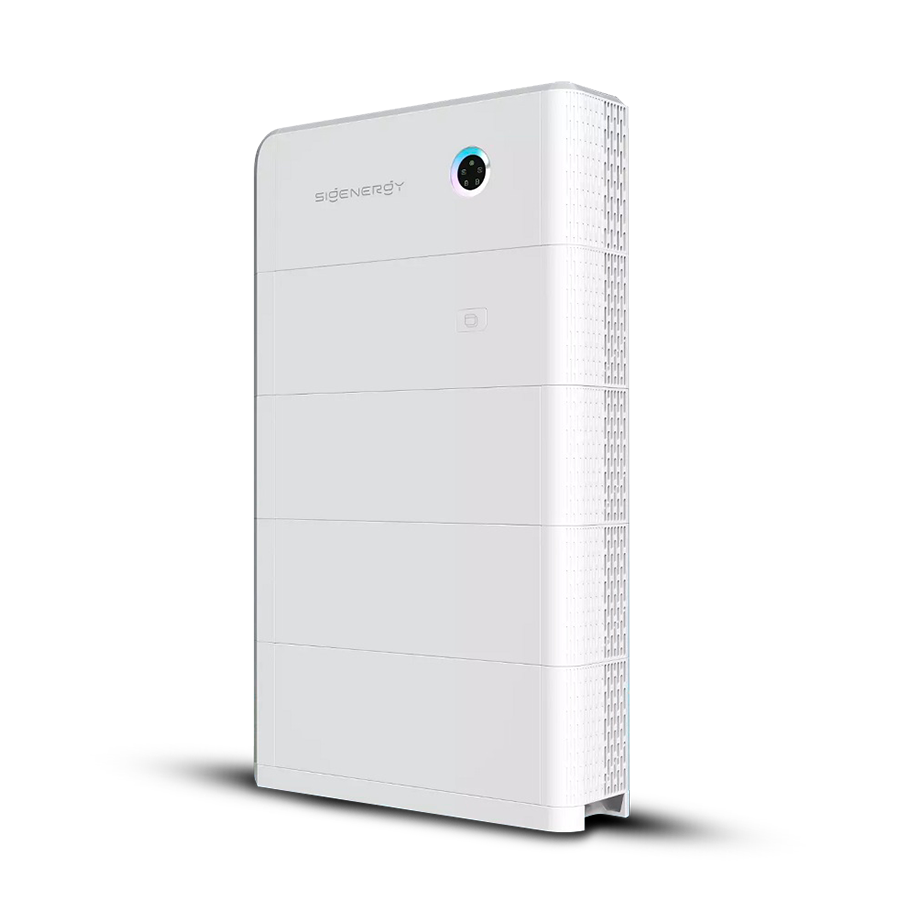
Restarting your SigenStor correctly ensures system stability and protects the battery. Always follow this sequence carefully.
1. Turn off the AC isolator
This switch is located inside the Sigenergy Gateway.
Inside the Gateway, find the switch labelled “Inverter Supply” and flip it up to OFF to stop the AC power supply to the inverter.
2. Turn off the DC isolator
The DC switch is located inside the small cover on the left-hand side of the inverter.
Remove this cover by lifting it upwards and away from the inverter.
Inside, you’ll find the switch labelled DC — turn it to the OFF position.
3. Wait 1–2 minutes
Allow all lights and display indicators to switch off completely.
This ensures internal capacitors discharge and the system resets fully.
4. Turn the DC isolator ON
Switch the DC isolator to ON and wait about 5 seconds.
5. Turn the AC isolator ON
Switch the AC isolator back to ON.
6. Allow the unit to start up
The unit will run internal checks and initialise communication.
Within a few minutes, the inverter display or LEDs should show normal operation.
7. Verify operation
Check that the LED indicators. Green LED AC, DC and Battery show no fault or alarm codes
Open the mySigen app to confirm that power generation and communication data are updating.
If a warning or fault reappears after restart, take note of the fault code before contacting your installer or Sigenergy support.

"*" indicates required fields
DMS Energy strives to Honestly, Ethically and Accurately assist Tasmanians to meet their energy reduction goals.
DMS Energy have advised countless locals on the right energy solutions for their home’s and business’s.




DMS Energy are not your typical energy efficiency salesmen! We are long time locals offering expert advice on solutions that are tailored to your individual needs. Talk to one of our experts today.